Android: How to float a row above the soft keyboard
Last time, I explained how to fix resizing and scrolling on Android, see blog post here.
Now, I wanted to have a fixed “menu” row on the screen at all times, similar to how the contacts app works:
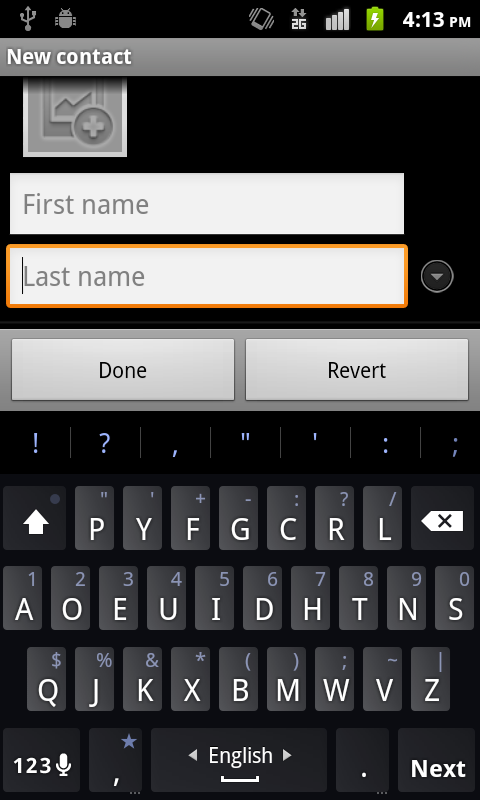
Not too hard. I knew that I would want a RelativeLayout with a ScrollView inside as well as another view which would contain my buttons.
When the soft keyboard is closed, I want the app to look like this:
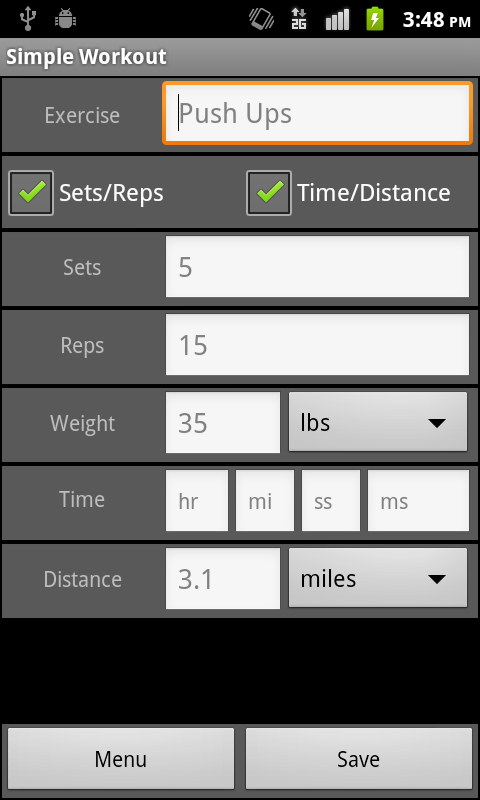
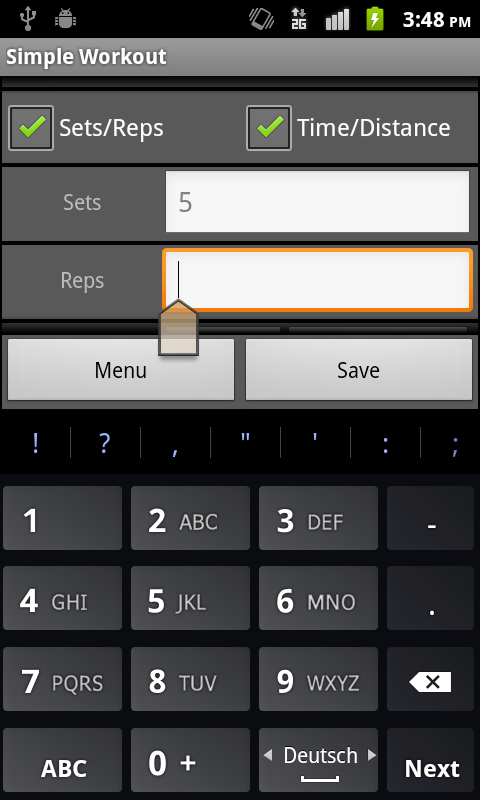
And when an EditText is selected, I want it to look like this:
Well, with my code as it currently is suggested, I would have a RelativeLayout containing a ScrollView and a TableLayout. So far so good. However, this is what it ends up looking like:
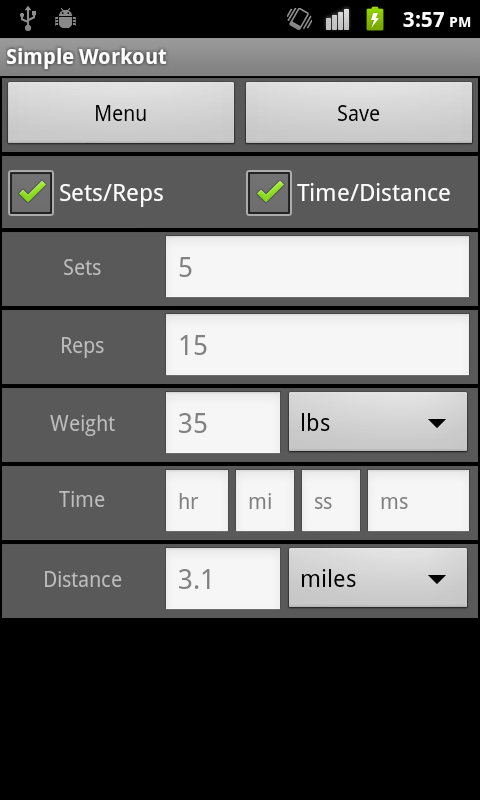
Searching around, I ultimately discovered that I needed to add two different tags. The first to my ScrollView was android:layout_above="@+id/myID". The other, on the TableLayout was android:layout_alignParentBottom="true". Using both of these, you get the correct effect. However, if either are missing, you can end up with some stuff you don’t want.
No layout_above:
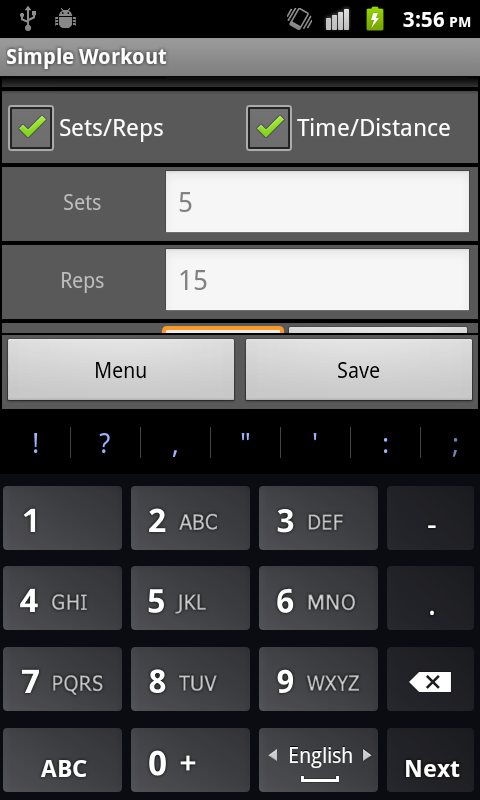
No align_parentBottom:

Hope this helps.